
Introduction: Looking Beyond the AI Hype
Over the past year, artificial intelligence has moved from being a subject discussed mainly by researchers and technology companies to becoming part of everyday professional conversations. As discussions about the best AI tools for beginners in 2026 continue to grow, new platforms seem to appear almost weekly, each promising to improve productivity, automate workflows, or change the way we create and communicate.
As someone involved in higher education, healthcare training, research supervision, website publishing, and, more recently, YouTube content creation, I found myself becoming increasingly curious about how much of this excitement represented genuine progress and how much was simply effective marketing. Check also Best AI Tools for Book Creation 2026
At the same time, colleagues, students, and fellow professionals began asking a surprisingly simple question: which AI tools are actually worth learning? Finding the answer proved more difficult than expected because the conversation quickly became overwhelmed by endless lists and recommendations. Many articles claim to cover the best AI tools for beginners in 2026, but very few explain which platforms genuinely become useful once the initial excitement disappears and real work begins.
What made the question particularly interesting for me was that I approached it from the perspective of an educator and trainer rather than a software developer or technology specialist. My work revolves around communication, planning, teaching, research, and helping people develop practical skills. Because of that, I was less interested in whether an AI model could write computer code and more interested in whether it could genuinely improve everyday professional activities. Could it help prepare educational materials more efficiently? Could it simplify research tasks? Could it reduce the time required for content creation without sacrificing quality? Most importantly, could these tools become useful assistants rather than additional distractions?
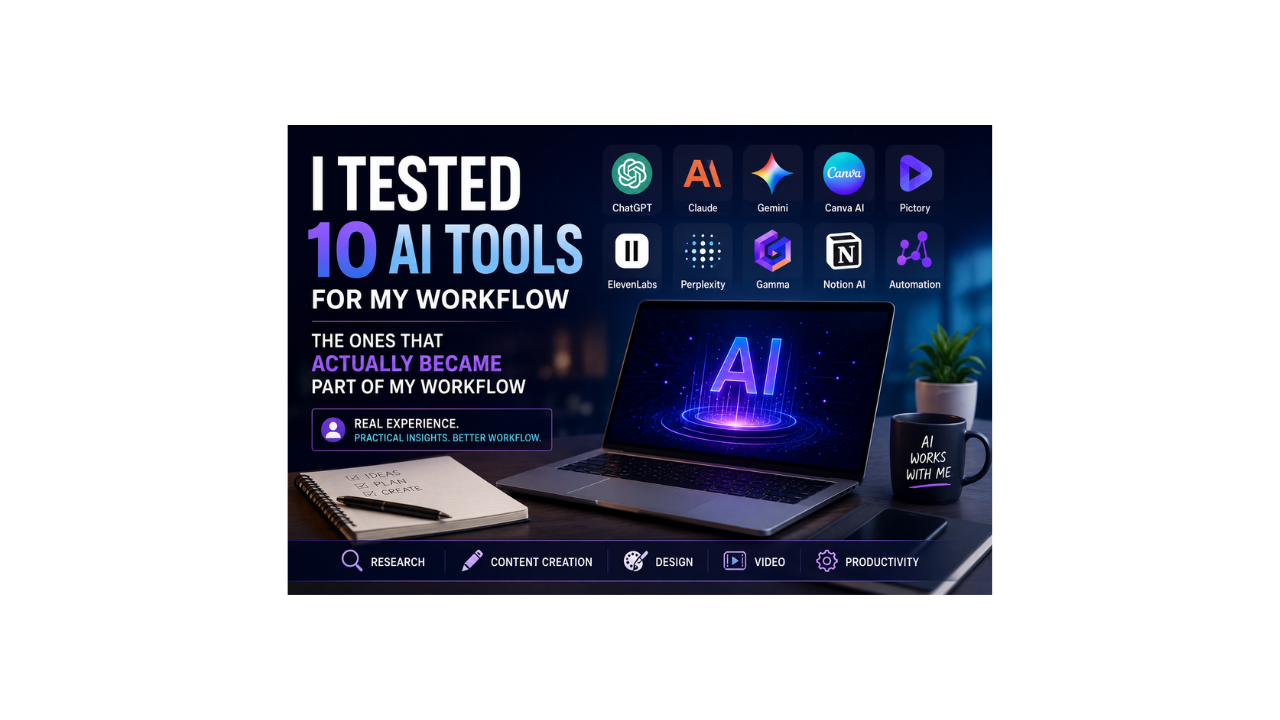
Instead of relying on online opinions or promotional videos, I decided to integrate several AI platforms directly into my own workflow for a week. Some of the tools became part of lesson preparation and research activities, while others supported website publishing, video creation, graphic design, or project organisation. By the end of the experiment, one conclusion became increasingly clear: the most valuable AI tools were not necessarily the most powerful or the most expensive. They were the tools that quietly removed friction from everyday work and freed up time to focus on tasks that genuinely required human judgment and experience.
Best AI tools for Beginners 2026: ChatGPT
Among all the platforms I tested, ChatGPT was unquestionably the one I returned to most frequently throughout the week. What impressed me was not simply its ability to answer questions but the variety of situations in which it became genuinely useful. On some days, it helped organise ideas for lectures and training sessions, while on others it became a brainstorming partner for website articles or YouTube content. There were occasions when I used it to simplify explanations for students and other moments when it assisted with structuring professional communication or refining written material.
As someone who spends a significant amount of time explaining concepts to students and trainees, I particularly appreciated its ability to present information in different ways depending on the audience. Topics that might feel technical or intimidating could quickly be transformed into examples, analogies, or step-by-step explanations suitable for different levels of understanding. This flexibility became especially valuable when preparing educational materials or trying to communicate complex ideas more effectively.
Perhaps its greatest strength, however, was not generating content from nothing but helping overcome the initial resistance that often accompanies writing projects. Most people who regularly create content understand the experience of staring at a blank page waiting for inspiration to arrive. ChatGPT rarely replaced my own ideas, but it often helped organise them more quickly and provided a useful starting point from which to build. Reducing the time spent on structure and first drafts, it allowed more attention to be directed towards editing, refinement, and quality improvement.
Best AI tools for Beginners 2026: Claude and Gemini
Before using Claude extensively, I expected it to be simply another version of ChatGPT competing for the same role. After spending time with both platforms, however, I reached a different conclusion. Rather than seeing them as direct competitors, I began to think of them as colleagues with different strengths and personalities. While ChatGPT often became my first destination for brainstorming and idea generation, Claude frequently felt more like an editor sitting quietly beside me, helping organise information and improve structure.
The difference became particularly noticeable when dealing with longer pieces of writing or larger collections of information. In education and training, reports, course outlines, and academic materials often require careful organisation and logical flow. During those moments, Claude regularly produced responses that felt measured, thoughtful, and carefully arranged. It seemed less interested in providing quick answers and more interested in creating well-structured ones.
Gemini entered my workflow from a different direction altogether. Google’s greatest advantage in the AI race may not be technology alone but familiarity. Most professionals already spend a large portion of their day moving between Gmail, Google Drive, Google Docs, Google Calendar, and Google Search. Gemini benefits enormously from this ecosystem because it feels less like adopting a new platform and more like extending tools that many people already use every day.
Would I personally choose Gemini over ChatGPT or Claude for every task? Probably not. However, the question itself may miss the point. Different people work in different environments, and for users deeply invested in Google’s ecosystem, Gemini offers a level of convenience that deserves serious consideration. One of the recurring lessons from this experiment was that conversations about “the best AI tool” are often less useful than discussions about the right tool for a particular workflow.
Best AI tools for Beginners 2026: Canva AI
Few areas of professional work have been transformed by artificial intelligence as quickly as design. Not very long ago, producing professional graphics required specialist software, technical skills, and considerable patience. Creating a presentation slide, social media graphic, promotional banner, or YouTube thumbnail often involves learning complicated applications or hiring someone with the necessary expertise.
As someone building websites, preparing educational materials, managing social media content, and experimenting with YouTube videos, I quickly realised how much time Canva AI could save. Tasks that previously required searching for images, adjusting layouts, resizing elements, and experimenting with fonts could often be completed within minutes rather than hours.
What impressed me most was not necessarily the quality of the designs themselves but the accessibility the platform provides. Teachers can prepare educational resources more easily, small businesses can create professional promotional materials without dedicated designers, and content creators can improve visual quality without needing years of design experience.
This does not mean professional designers are becoming obsolete. Creativity, artistic judgement, and brand strategy remain deeply human skills. What AI has changed is access. It has allowed individuals and small organisations to produce visual content that would once have required considerably greater resources, and for many educators, entrepreneurs, and creators, that change is genuinely transformative.
Best AI tools for Beginners 2026: Pictory and ElevenLabs
If there is one area where many people hesitate before getting started, it is video creation. Writing an article feels manageable, and creating a presentation feels achievable, but producing videos often feels intimidating because it involves editing software, audio recording, subtitles, visuals, and technical skills that many beginners simply do not possess.
This is where tools such as Pictory and ElevenLabs become particularly interesting. During my own experiments with YouTube content creation, Pictory significantly reduced the amount of time spent dealing with technical production issues and allowed more attention to be directed towards storytelling and content quality. Instead of becoming overwhelmed by editing timelines and complex software, I could focus on developing ideas and communicating them clearly.
At the same time, ElevenLabs provided perhaps the clearest demonstration of how quickly AI voice technology has evolved. The realism of modern AI-generated voices would have seemed almost impossible only a few years ago. While I still believe authentic human communication has unique value, particularly in educational environments, there are many situations where AI narration becomes a practical and highly effective solution.
Together, these tools reduce the barriers that have historically prevented many people from entering video creation. For educators creating tutorials, organisations producing training materials, or creators exploring online platforms, accessibility may prove to be one of AI’s most important contributions.
Best AI tools for Beginners 2026: Perplexity, Gamma, and Notion AI
Research has always been one of the most time-consuming parts of professional work. Whether preparing lectures, writing articles, or developing training sessions, the traditional process often involves opening countless browser tabs and gradually piecing together information from multiple sources. Perplexity AI approached this challenge differently. Rather than behaving primarily as a conversational chatbot, it felt more like a research assistant helping locate useful information quickly while still encouraging further investigation and verification.
For someone involved in education and training, this distinction matters. Teaching is not simply about finding answers but about finding reliable answers and understanding where those answers come from. Perplexity did not replace critical thinking or source evaluation, but it certainly reduced the amount of time required to locate useful starting points for further research.
Gamma addressed a different challenge altogether. Anyone who regularly prepares presentations understands that organising information often takes longer than creating the content itself. As an educator and trainer, I found its ability to transform ideas into structured presentations particularly interesting because it reduced the mental effort required during the earliest stages of preparation.
Notion AI, meanwhile, quietly became one of the most useful tools in the experiment because it focused on organisation rather than creation. Notes accumulate quickly, ideas appear unexpectedly, and projects develop simultaneously. Without effective systems, even productive people can find themselves overwhelmed by information scattered across multiple applications. Notion AI helped reduce that clutter and reminded me that productivity is often less about working faster and more about working with greater clarity.
Automation and the Future of Professional Work
Among all the technologies I explored during this experiment, automation may ultimately prove to have the greatest long-term impact. Almost every profession contains repetitive activities that consume time without adding significant value. Information moves between systems, reports need updating, records require maintenance, and routine communication often follows predictable patterns. Individually, these tasks appear minor, but collectively they account for a surprisingly large proportion of professional life.
Automation tools offer an alternative perspective by asking not how humans can work faster but which tasks humans should not need to perform repeatedly in the first place. As someone balancing responsibilities across education, training, website management, and content creation, I can immediately see the potential value. The ability to connect applications, automate workflows, and reduce repetitive administration has implications that extend far beyond productivity alone.
If I were asked to predict where AI will have the greatest influence over the next five years, automation would probably be my answer. The future may not belong to individual AI tools working independently, but to intelligent systems quietly working together behind the scenes.
The Most Important Lesson I Learned
What surprised me most was not which tool performed best in a single category, but which ones quietly became part of my routine without much thought. In practice, usefulness is often measured less by impressive demonstrations and more by how frequently you return to a tool when real work needs to get done.
When I began this exploration, I expected to discover a clear winner. Instead, I discovered something far more interesting. Each tool gradually found its own place within my workflow. ChatGPT became my thinking partner, Claude became my editor, Perplexity became my researcher, Canva became my designer, Pictory became my video assistant, and Notion became my organiser.
None of these tools replaced expertise, judgement, or experience. Instead, they amplified existing skills and created more time for the activities that genuinely require human insight, creativity, and decision-making. That distinction feels increasingly important because discussions surrounding artificial intelligence often swing between unrealistic optimism and unnecessary fear.
My own experience suggests a different conclusion. The most productive future is unlikely to be about replacement. It will be about collaboration — learning how to combine human expertise with the strengths of intelligent tools.
The Most Valuable Lesson From This Experiment
After spending years working in education and professional training, I have become increasingly convinced that the future does not belong to people who reject artificial intelligence, nor does it belong to those who depend entirely upon it. The future belongs to individuals who learn how to combine human judgment with technological capability in thoughtful and responsible ways.
My experience throughout this experiment reinforced something I have long believed as an educator: technology changes rapidly, but communication skills, creativity, critical thinking, and professional judgement continue to determine how effectively that technology is used. Artificial intelligence can assist with information, structure, and efficiency, but deciding what is appropriate, ethical, and meaningful remains a human responsibility.
My advice for beginners is therefore very simple. Do not feel pressured to use every AI platform that appears online. Start with one or two tools that solve genuine problems in your own work, learn how they fit into your workflow, understand their strengths and limitations, and expand gradually as your needs evolve.
For me, these ten tools passed that test. Some of them will undoubtedly improve further, and others may eventually be replaced by new technologies, but after spending a week integrating them into teaching, research, writing, content creation, and professional activities, I am confident that several of them have already earned a permanent place in my workflow.
The most interesting part of the AI revolution may not be what these tools can do today. It may be discovering what becomes possible when human expertise and artificial intelligence begin working together rather than competing with one another.